nfcGuard
Blocks distracting apps until you tap a physical NFC tag. Keep the tag somewhere inconvenient and opening Instagram costs a walk.
- Platform
- Android 8.0+
- Built with
- Kotlin, Jetpack Compose
- Tests
- 333 unit tests
- Users
- 1,250+, all organic
Software blockers fail for one reason: the off switch is on the same screen as the thing you are avoiding. nfcGuard moves the off switch into the physical world. A blocked app stays blocked until you tap a specific NFC tag, so if the tag lives in the kitchen, every impulse to scroll costs a walk to the kitchen.
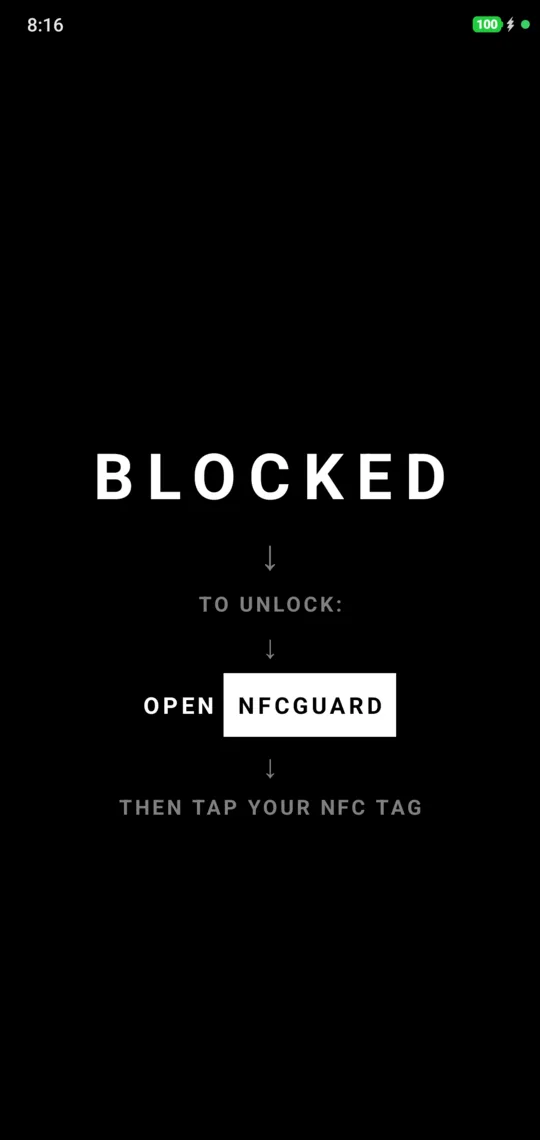
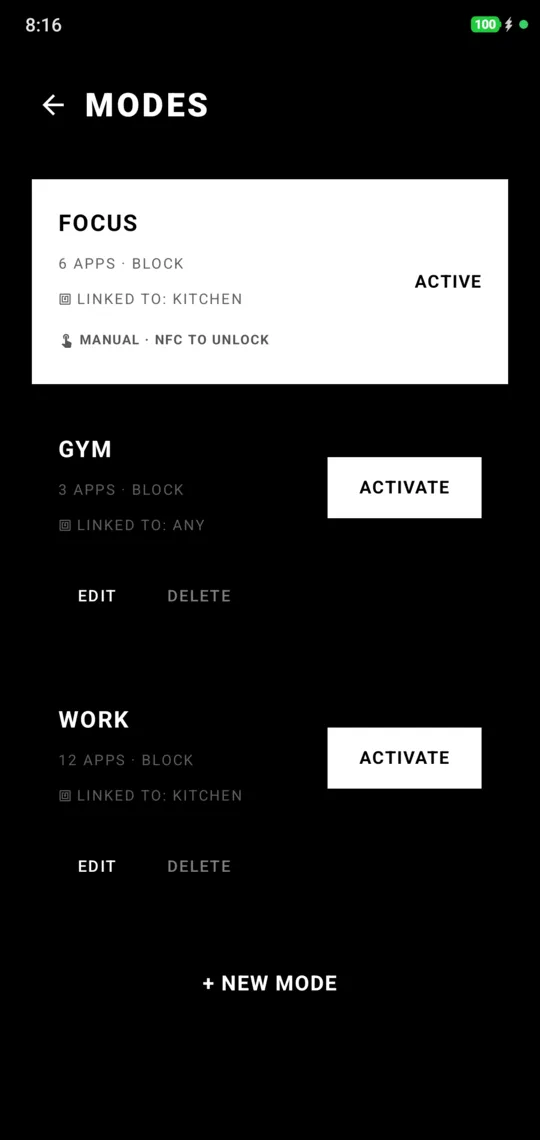
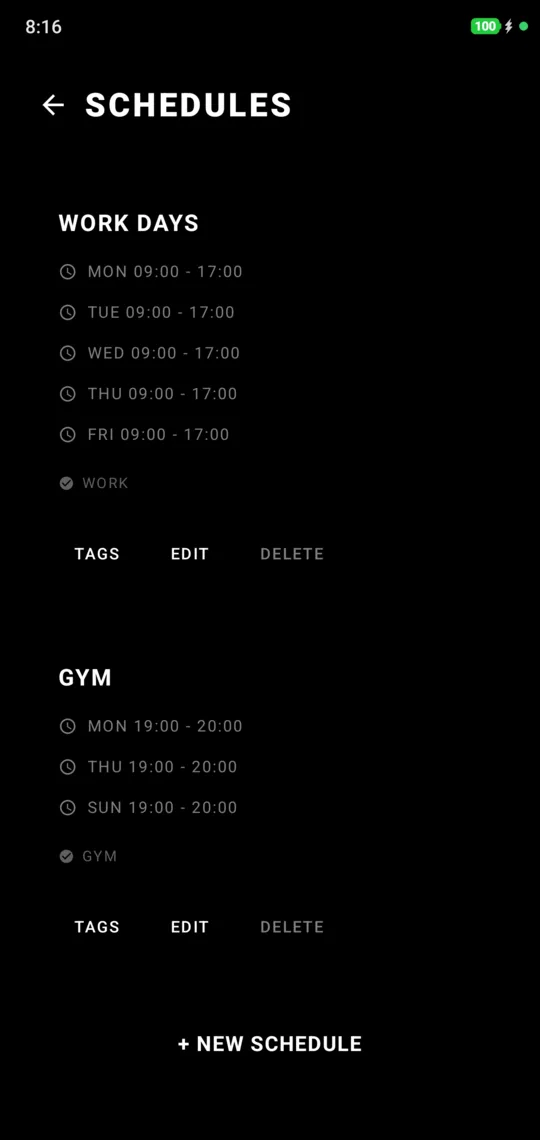
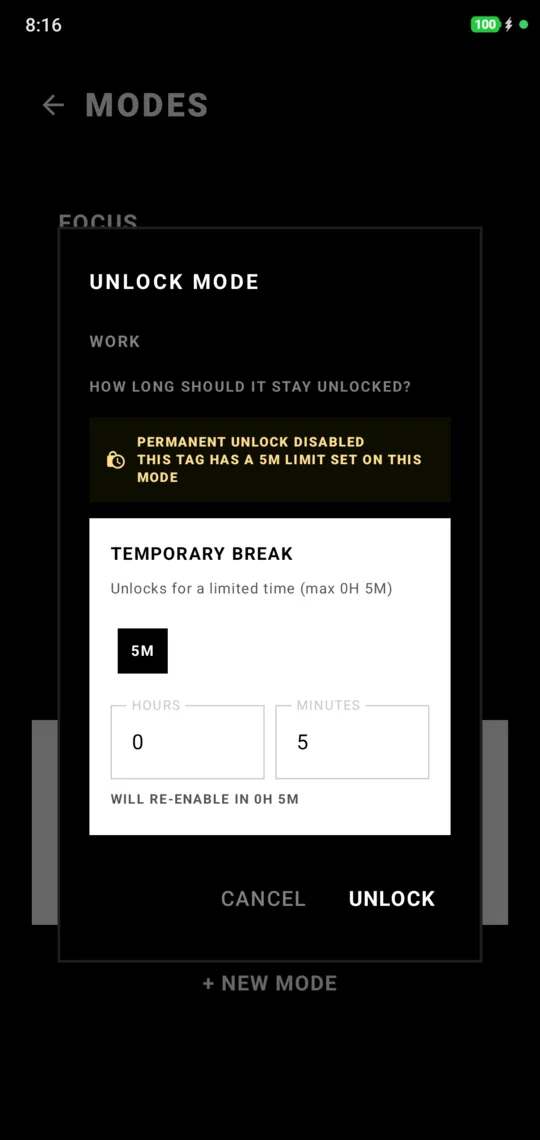
How it works
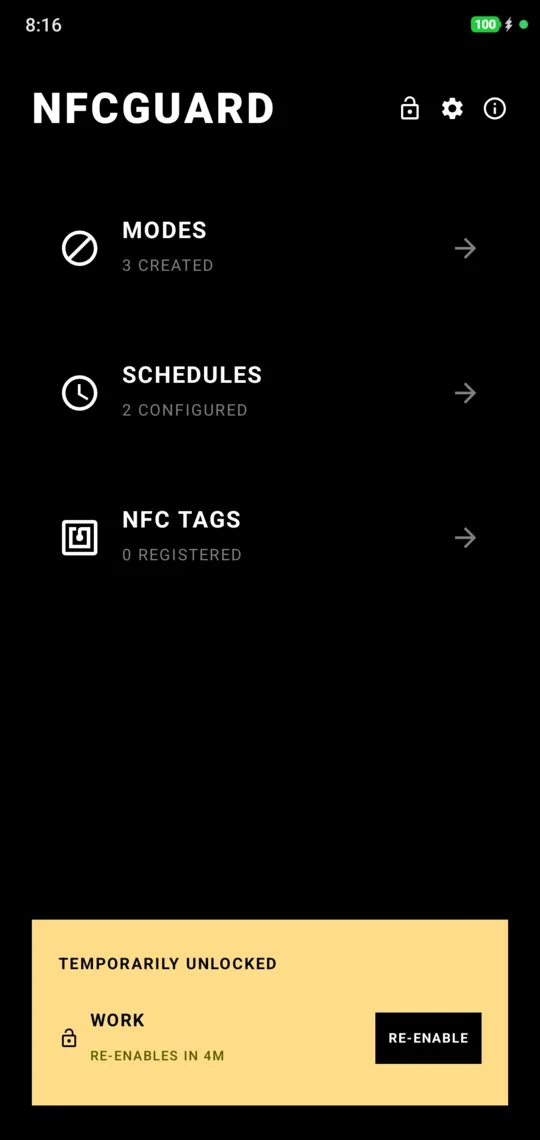
A mode is a set of apps that are either blocked or allowed. Turn one on by hand, or link a schedule so it switches on by itself on work days. While a mode is active, those apps will not open. Tapping a linked NFC tag unlocks it.
Each tag decides how much it gives you. One tag can unlock a mode completely; another can be capped at five minutes, after which the mode comes back on its own. Keep the generous tag at home and the strict one at the office. A mode with no tags linked accepts any NFC object, such as a transit card or a pair of headphones.
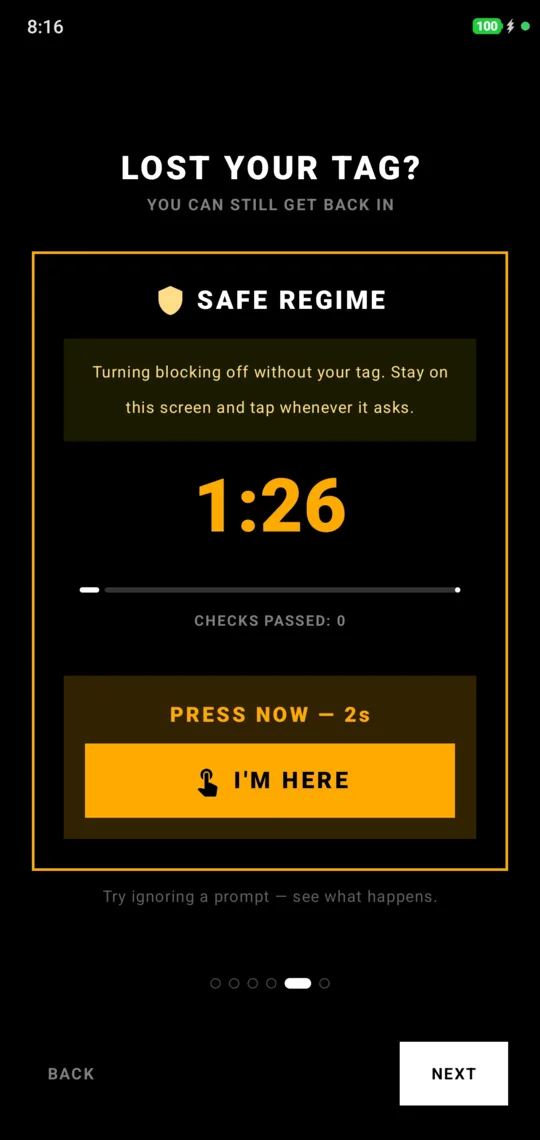
Lost your tag? A recovery flow on the home screen asks for a timed attention challenge, then lets you choose which tags are gone. Modes switch off, those tags are removed, and the rest of your setup stays.
Distribution
More than 1,250 people use nfcGuard, and every one of them found it on their own: no ads, no paid promotion.
Architecture
The project is split into two Gradle modules so the rules can be tested without a phone.
-
:domainis pure Kotlin: the app state plus four logic objects (NfcUnlockLogic,ScheduleTransitions,ModeActivationLogic,BlockDecider). It cannot import Android, the compiler enforces that, and it runs as plain JVM tests. -
:appholds the Compose UI, services, receivers and the home screen widget. Layers run in one direction, domain to data to side effects to service and UI, with a single owner for each concern. -
AppStateRepositoryowns persisted state. Every change goes through one mutex-guardedupdate { }, and exactly one file knows the storage key. -
StateSyncerowns side effects. After each write it restarts the blocker service, reschedules alarms and refreshes widgets, so no screen has to remember to. -
BlockerServicechecks the foreground app each tick and enforces the decision, with an overlay normally or a force-close when accessibility is enabled, which Pixel and Samsung phones require.
Modes, schedules and tags export to JSON or YAML and import back by replacing everything or merging by id.
What I learned
Android fights long-running apps hard, and every manufacturer fights differently. Most of the work went into staying alive: autostart on Xiaomi and Oppo, battery exemptions, the accessibility path for Pixel, and a permissions page that rechecks each one when you come back. Keeping the rules in a module with no Android in it is what made that churn safe to change.