App Preview
SEE IT
IN ACTION
IN ACTION
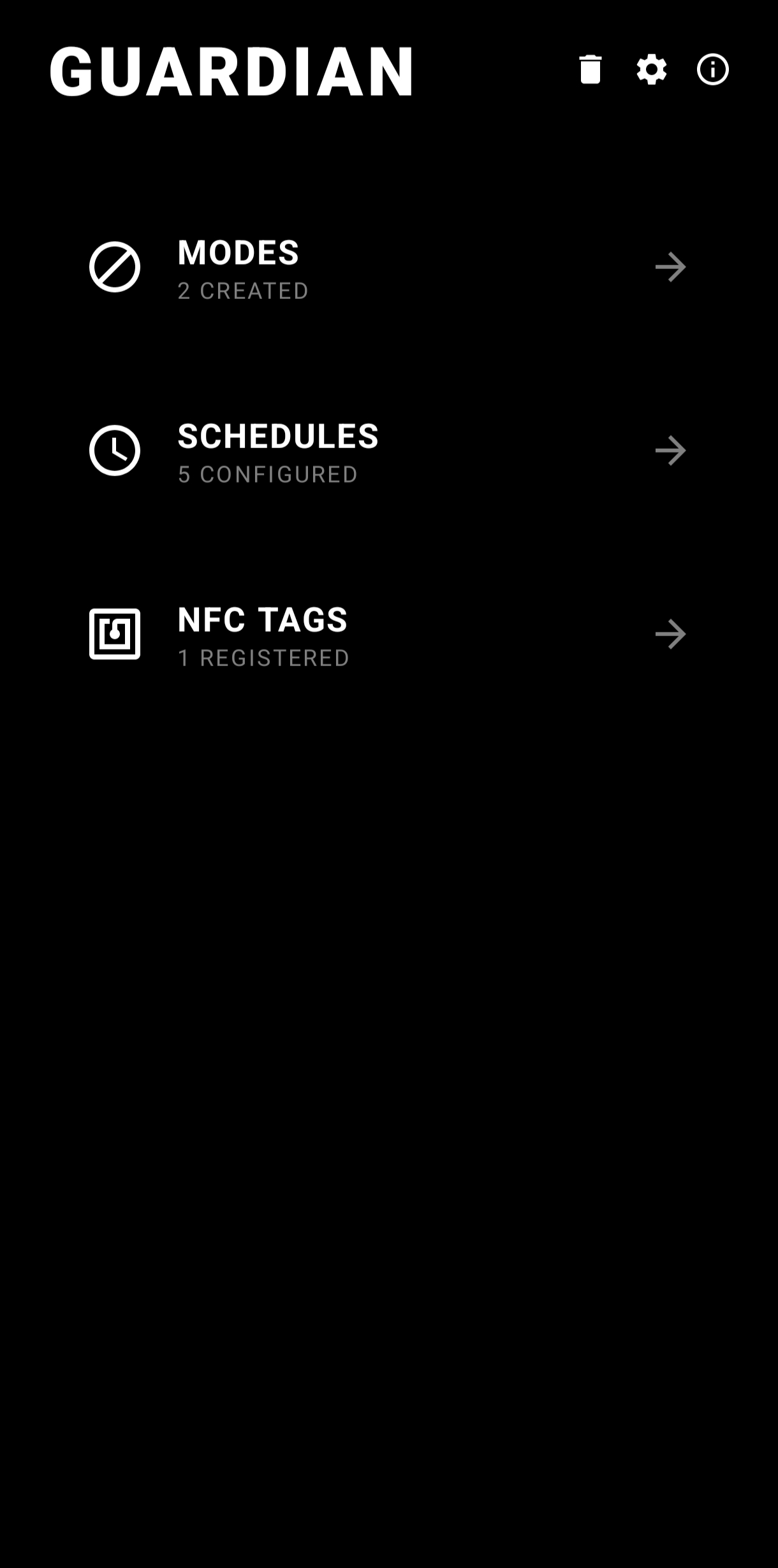
Home
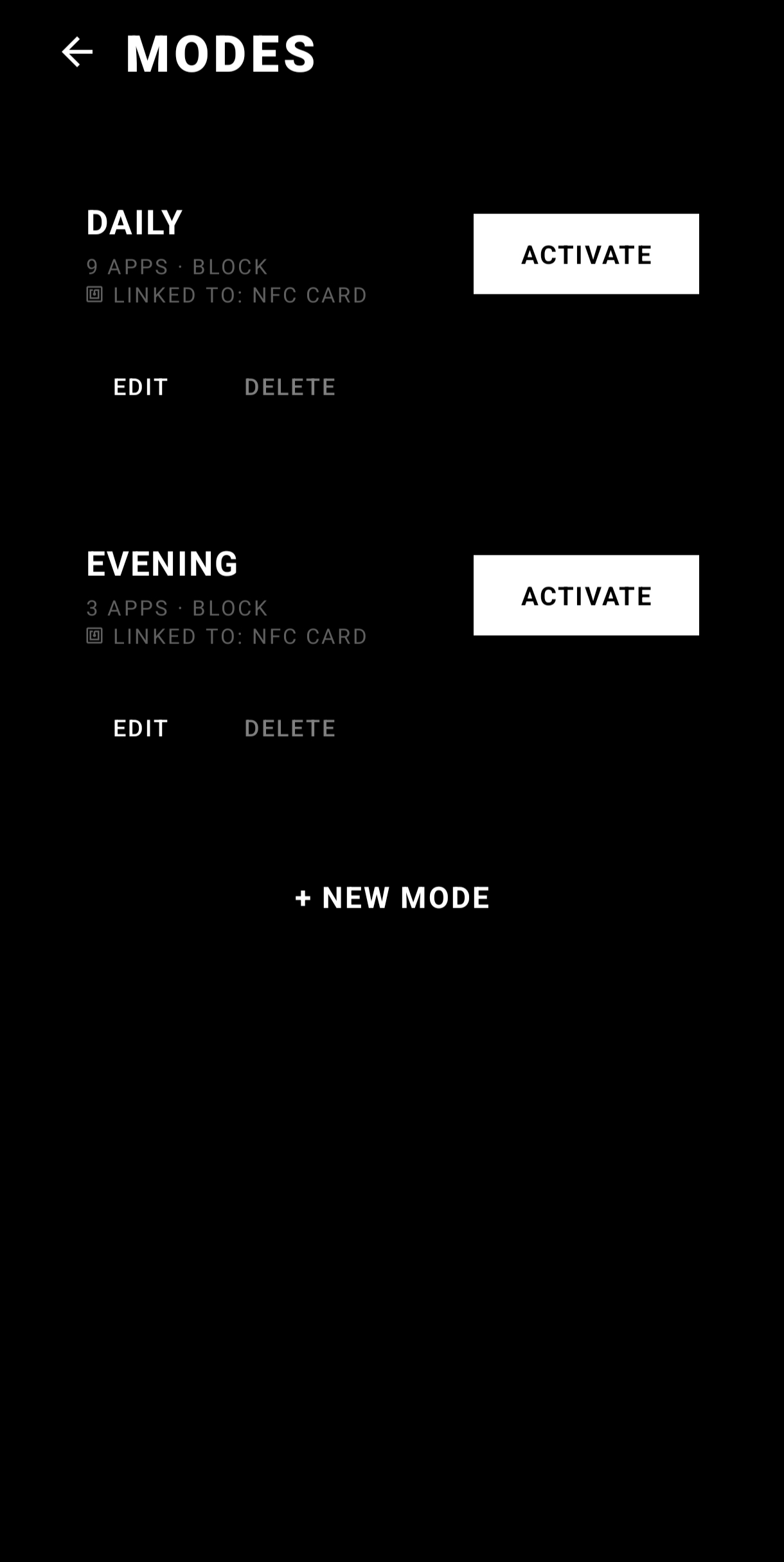
Modes
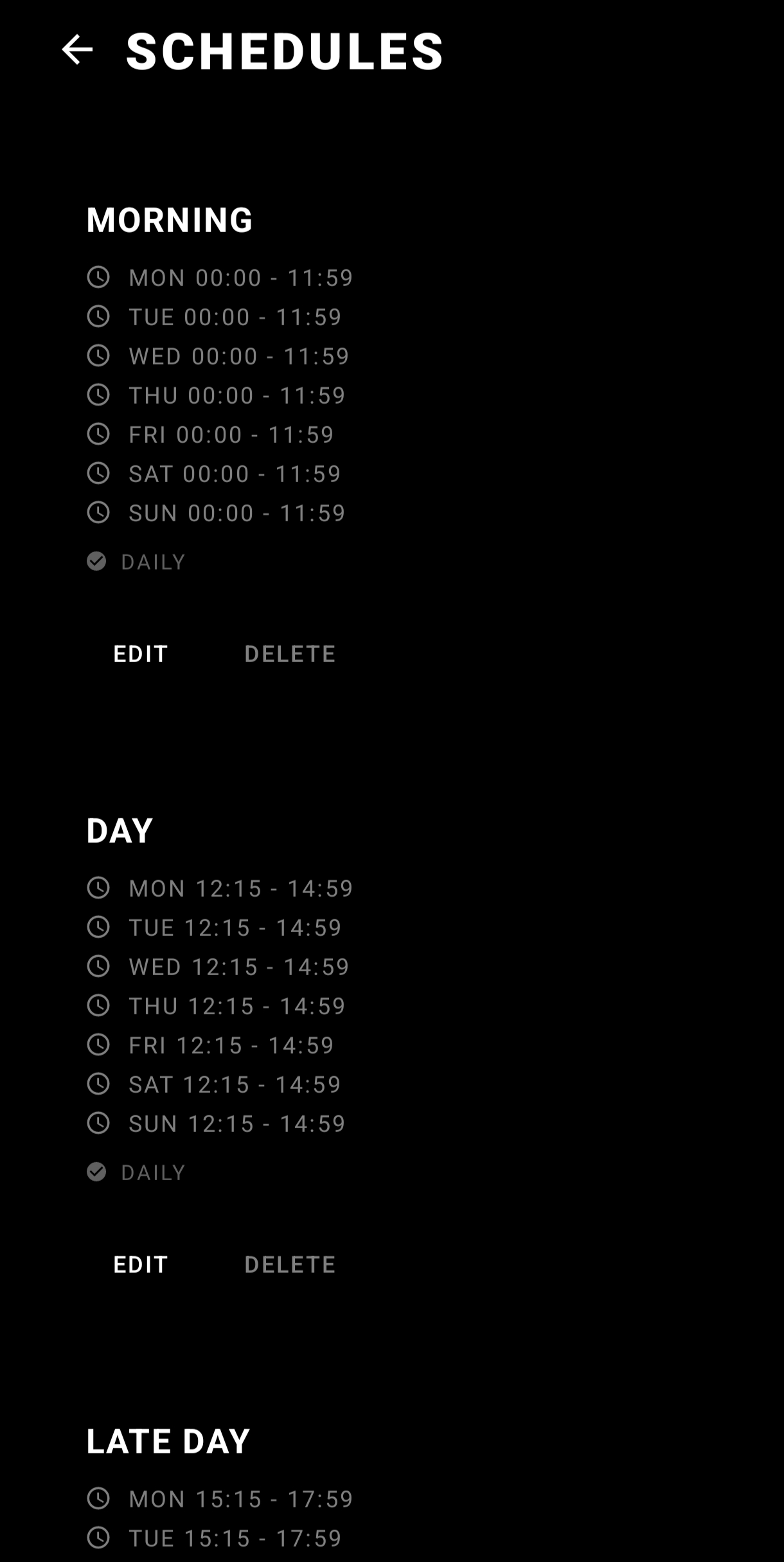
Schedules
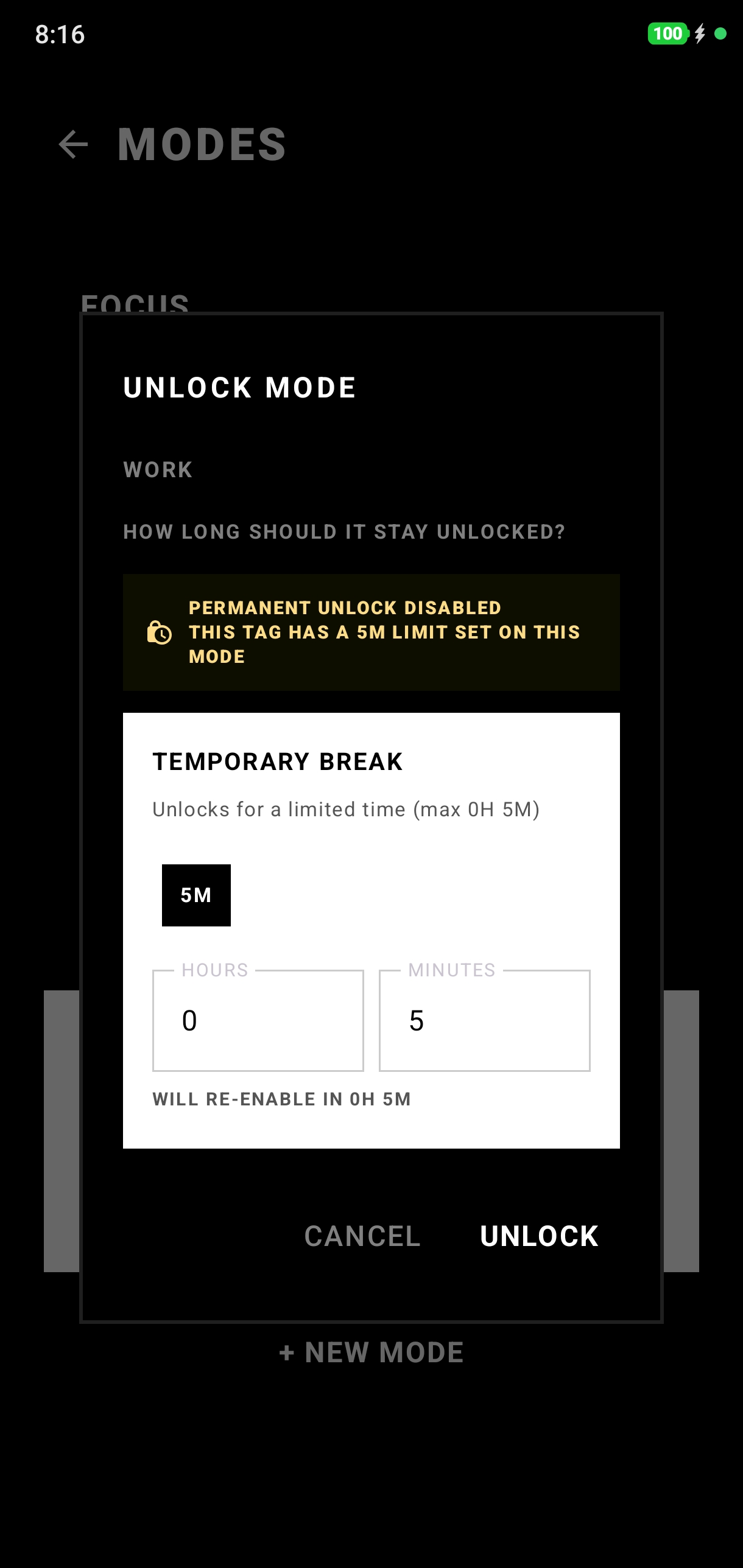
Timed unlock
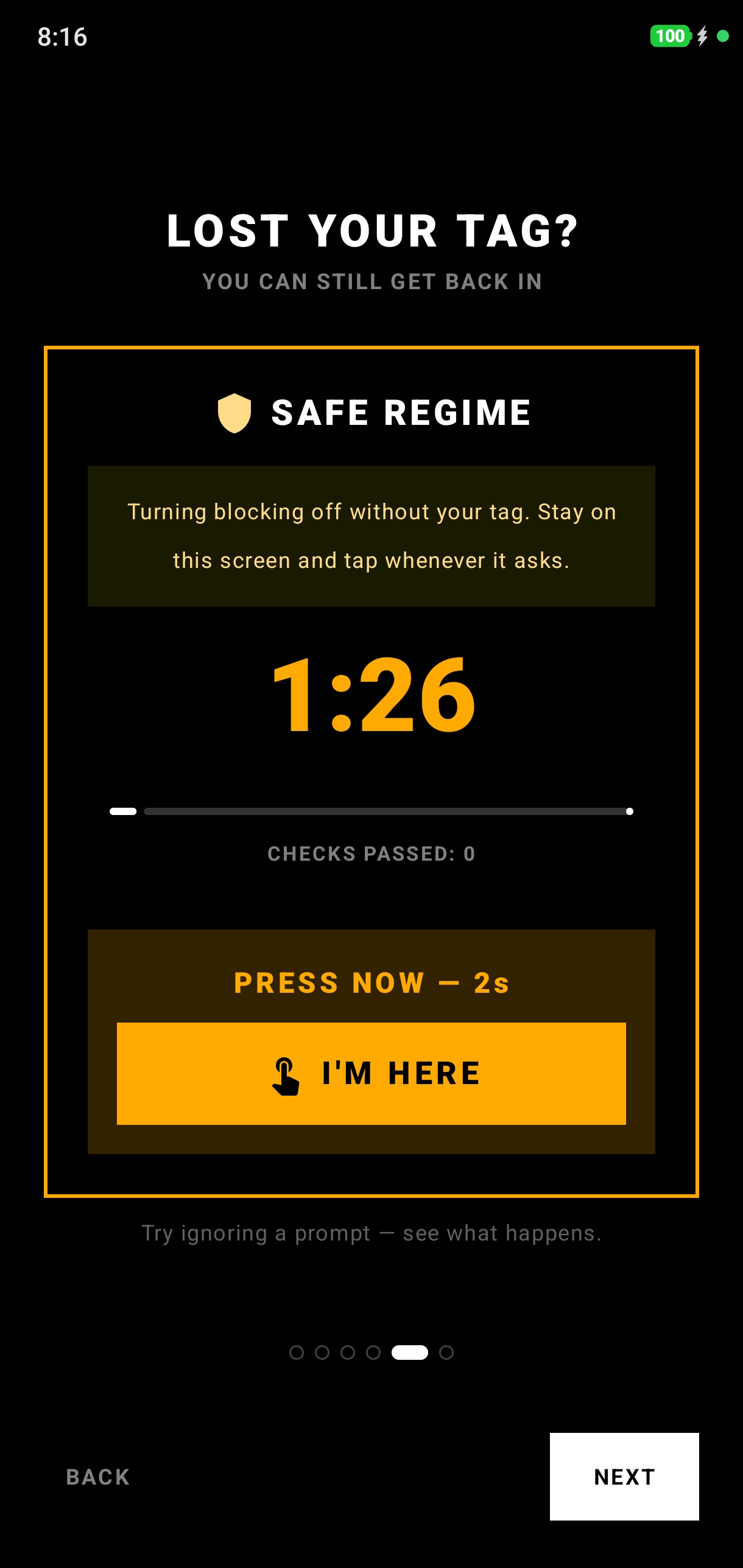
Lost your tag
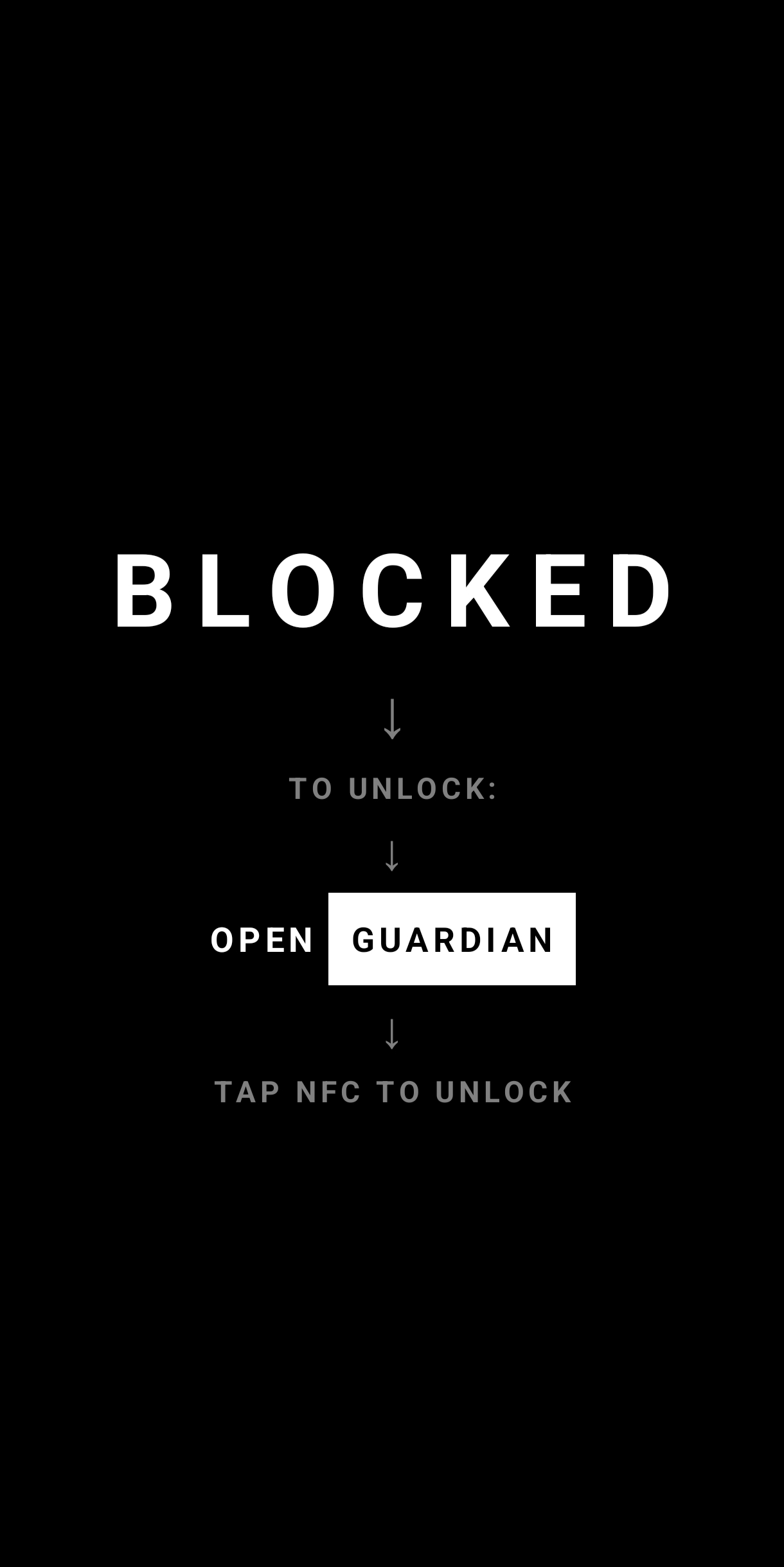
Blocking
Lock distracting apps behind a physical NFC tag. Keep the tag somewhere inconvenient, like the kitchen or a gym bag, and opening Instagram costs a walk instead of a thumb.
Pick the apps to block, or allow only the essential ones. One mode for work, one for sleep, one for study.
Register tags as unlock keys. Each one decides how much it gives you: full access, or five minutes before the mode snaps back on.
Per-day schedules turn modes on by themselves. Different hours for weekdays and weekends.
A blocked app is covered or closed outright. To get in, walk to the tag and tap it. The friction is the feature.