App Preview
SEE IT
IN ACTION
IN ACTION
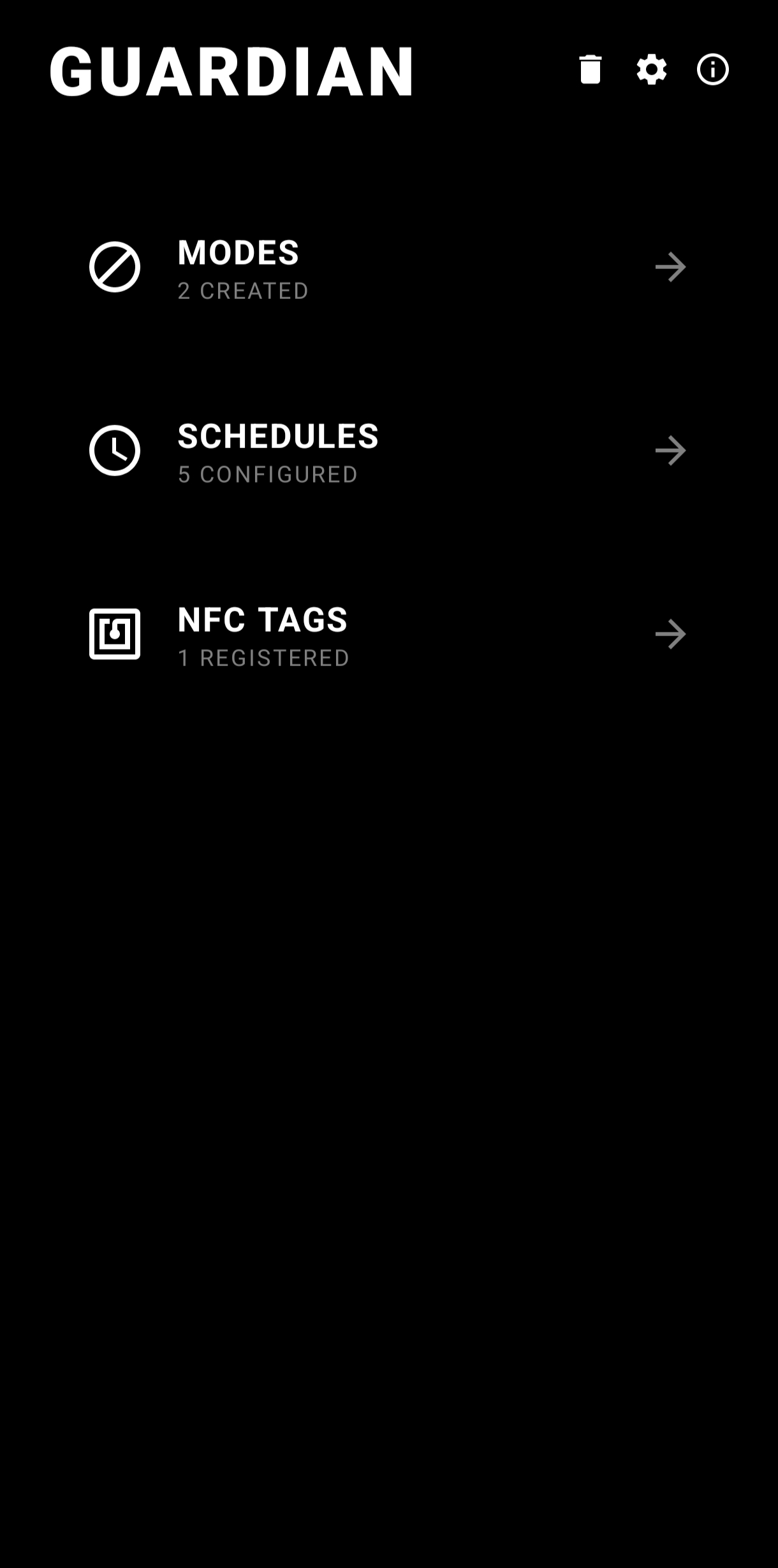
Home
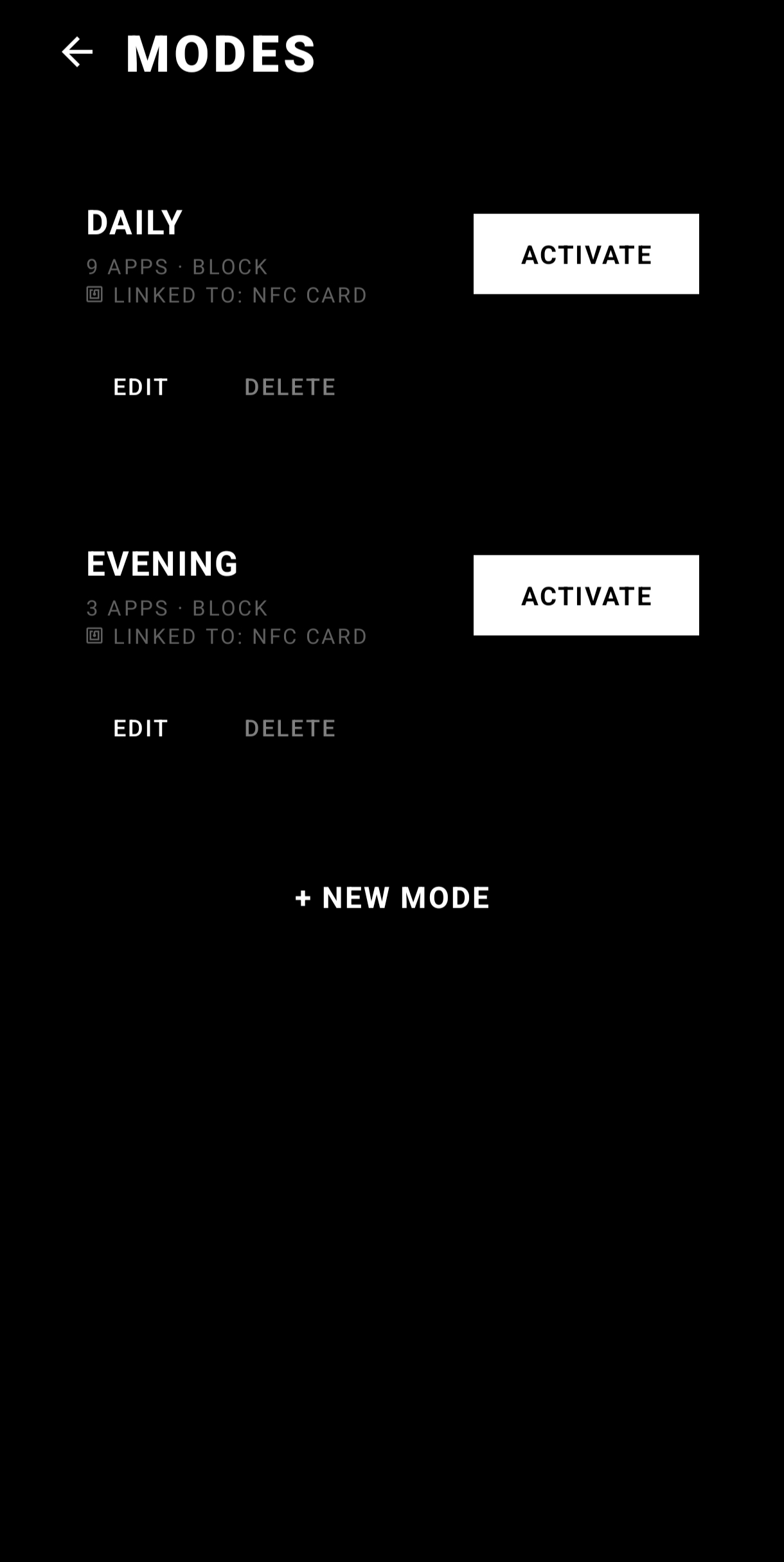
Modes
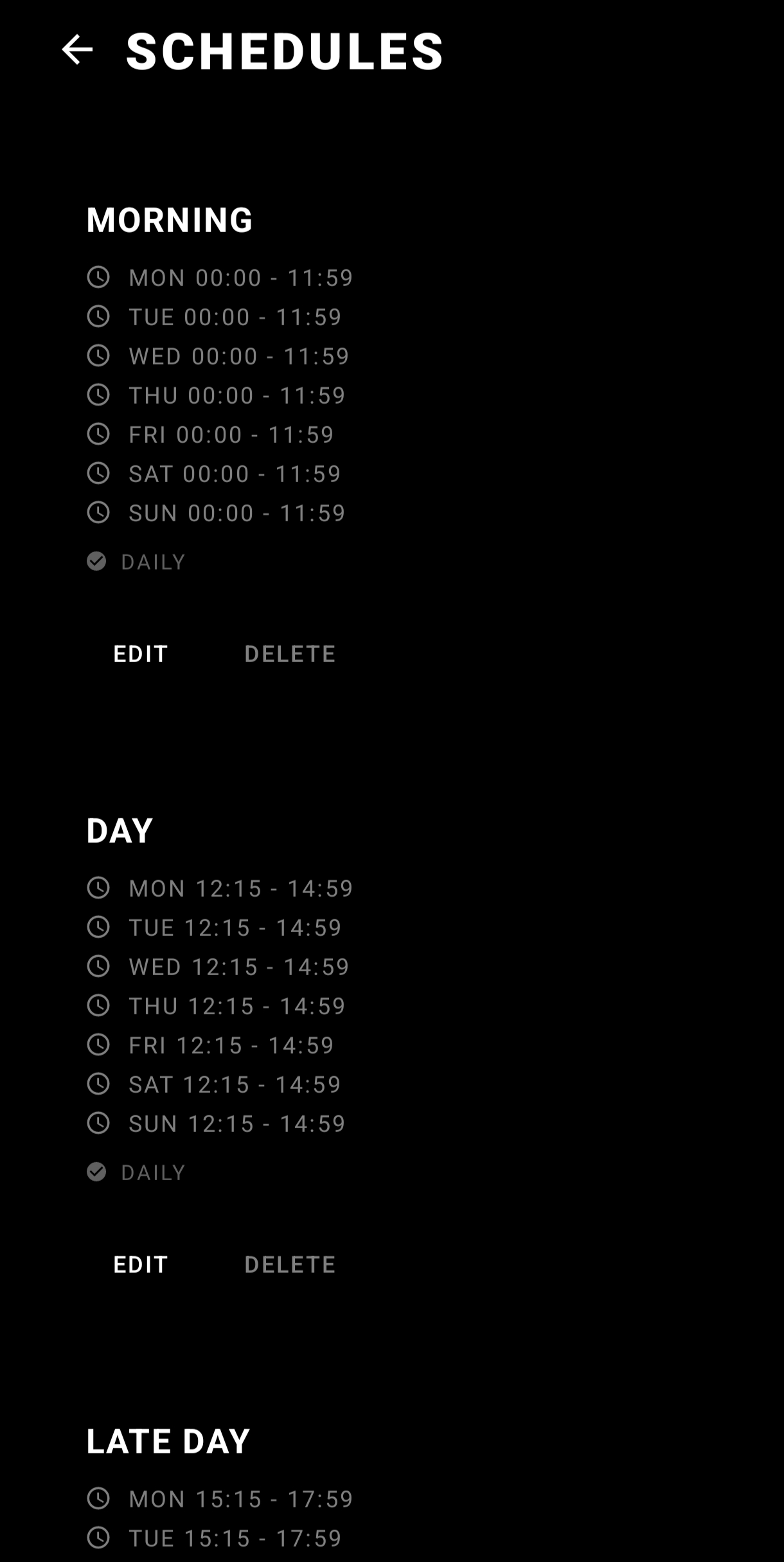
Schedules
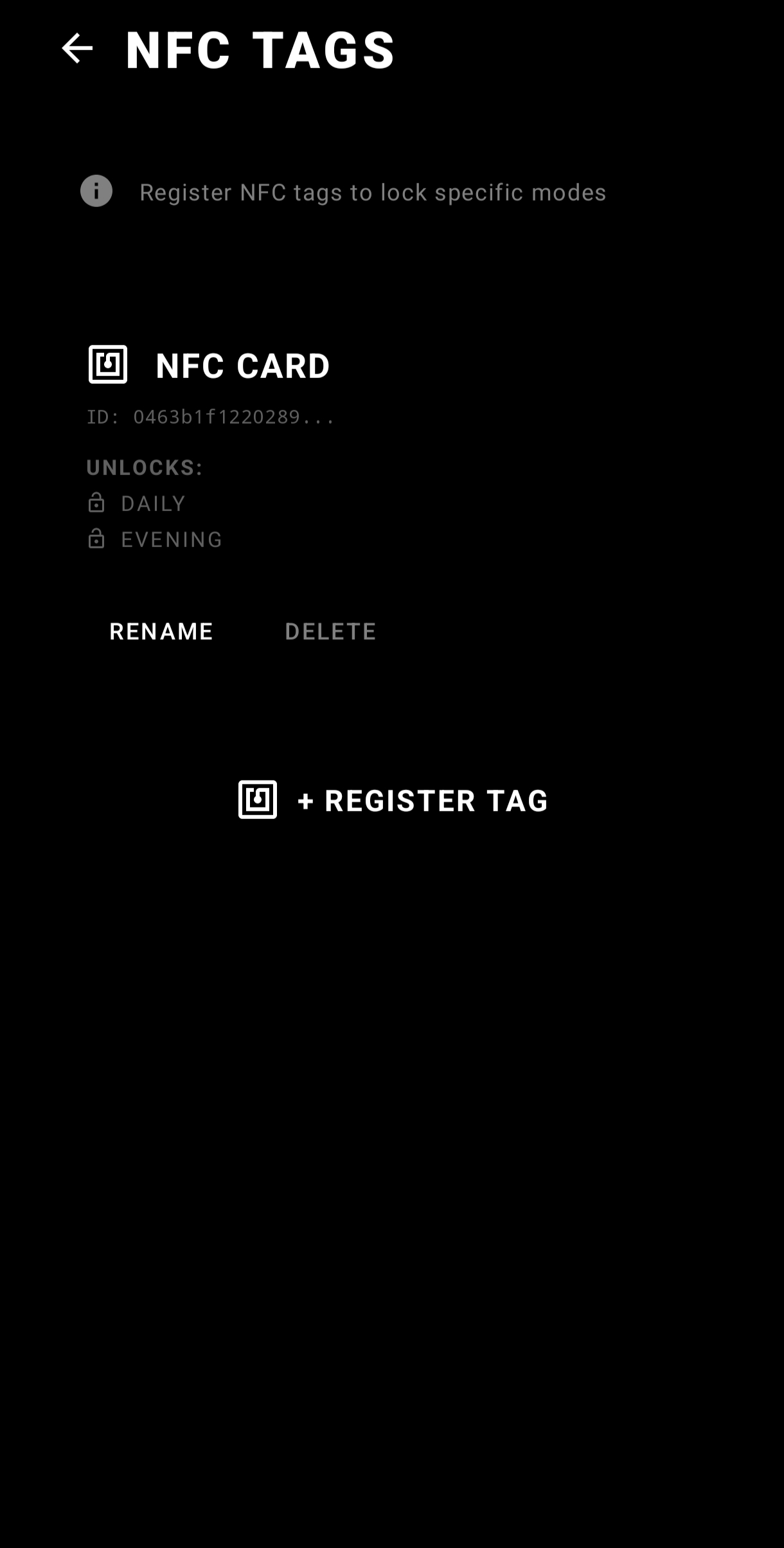
NFC Tags
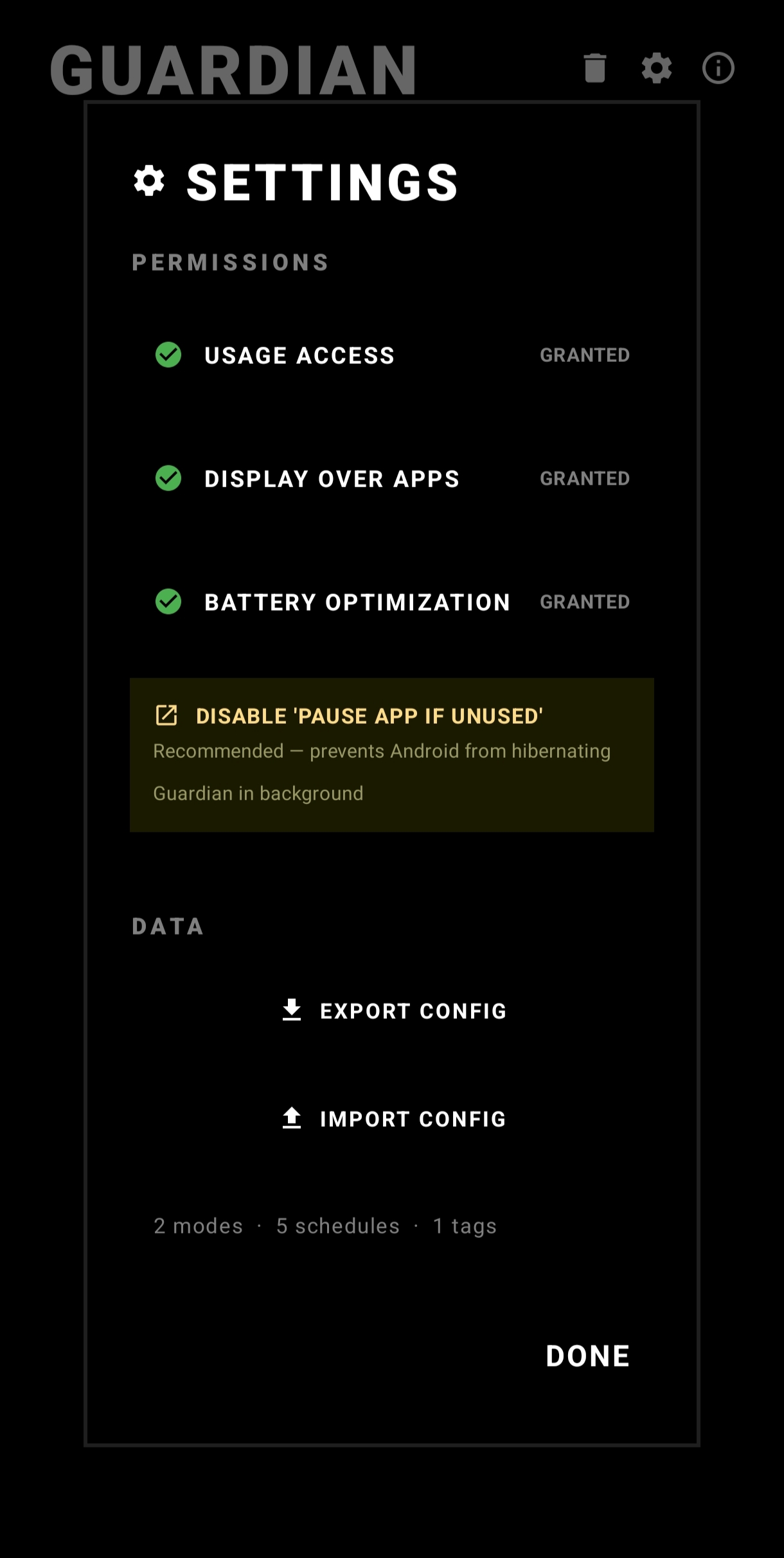
Settings
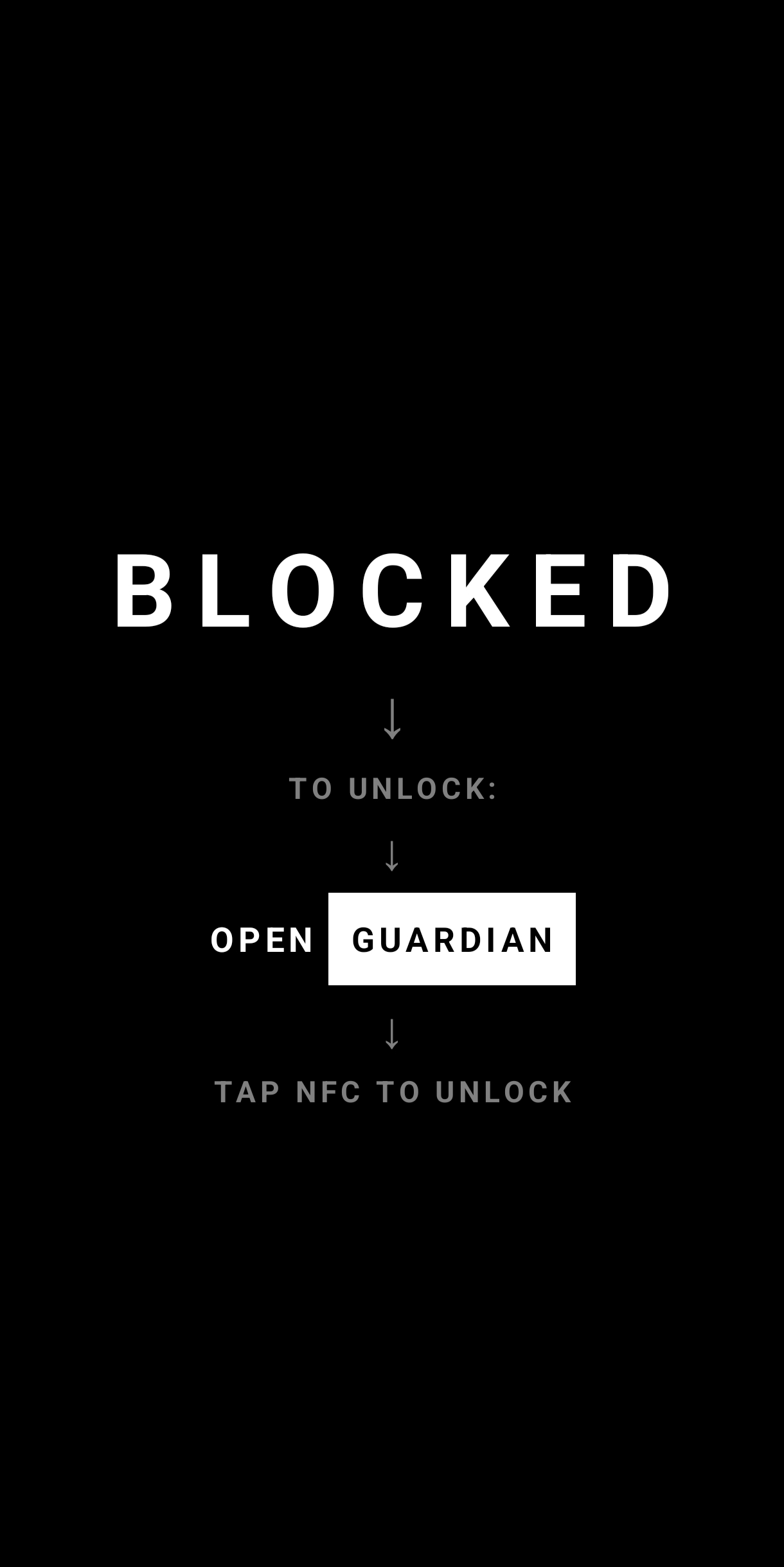
Blocking
Block distracting apps with NFC tags as physical keys. Place a tag somewhere inconvenient — your kitchen, gym bag, a friend's house — and think twice before mindlessly scrolling.
The average person unlocks their phone 150+ times a day. App blockers that use timers, PIN codes, or "are you sure?" prompts fail because the override is always one tap away. nfcGuard is different.
When unlocking requires walking to another room to tap an NFC tag, the cost of giving in becomes real. You don't need more willpower — you need a better system.
Choose apps to block — or allow only essential ones. Create different modes for work, sleep, study, or any context.
Register physical NFC tags as unlock keys. Place them in inconvenient locations — your kitchen, gym, or a friend's house.
Automate blocking with per-day schedules. Different times for weekdays vs weekends. Set it and forget it.
Blocked apps show a full-screen overlay. To unlock, physically walk to your NFC tag and tap. Friction is the feature.
Every feature is designed around one principle: make it physically harder to give in to distraction.
Block specific distracting apps while everything else stays accessible. Target Instagram, TikTok, YouTube — whatever your weaknesses.
Nuclear option. Block everything except a whitelist of essential apps. Only phone, messages, and maps? Done.
Each mode can require a specific NFC tag to unlock. Wrong tag? Denied. No tag linked? Any NFC device works.
Per-day configuration with different start and end times. Auto-activate for work hours, auto-release when you're done.
Survives reboots, task kills, and app restarts. nfcGuard comes back every time. No escape routes.
Lost your tag? A 60-second cooldown + confirmation text safety flow lets you recover without losing your configurations.
nfcGuard is fully open source. Inspect the code, submit issues, contribute features. No tracking, no ads, no subscriptions.